
Connect Voltn to over 7,000 applications with Zapier
Voltn (formerly NetExplorer) connects to your business tools via the Zapier connector. Automate your document processes with drag-and-drop, without writing a single line of code.

+ 7,000 applications in one click

Limited permissions
Why automate your document processes?
Your teams use dozens of tools. Between each one, it’s human hands moving files around.

Daily repetitive tasks
Saving, filing, renaming, notifying: the same actions, folder after folder. Nobody signed up for that.

Inevitable human error
A forgotten file, a misplaced folder, a notification that never goes out. Repetitive tasks wear down your attention to detail.

Tools that operate in silos
Your CRM doesn't know what your email is doing, and your email doesn't know what your storage is doing. It's up to you to bridge the gap.

IT is overwhelmed with requests
Every small automation need becomes a ticket. The queue grows longer, and business teams are left waiting.
The promise of the Zapier connector
Relier Voltn à tous vos outils métier.
Automate repetitive tasks.
Create your own workflows without IT.
Make your entire document chain reliable.
How does it work?
Triggers
Actions
Smart searches
Your first Zap
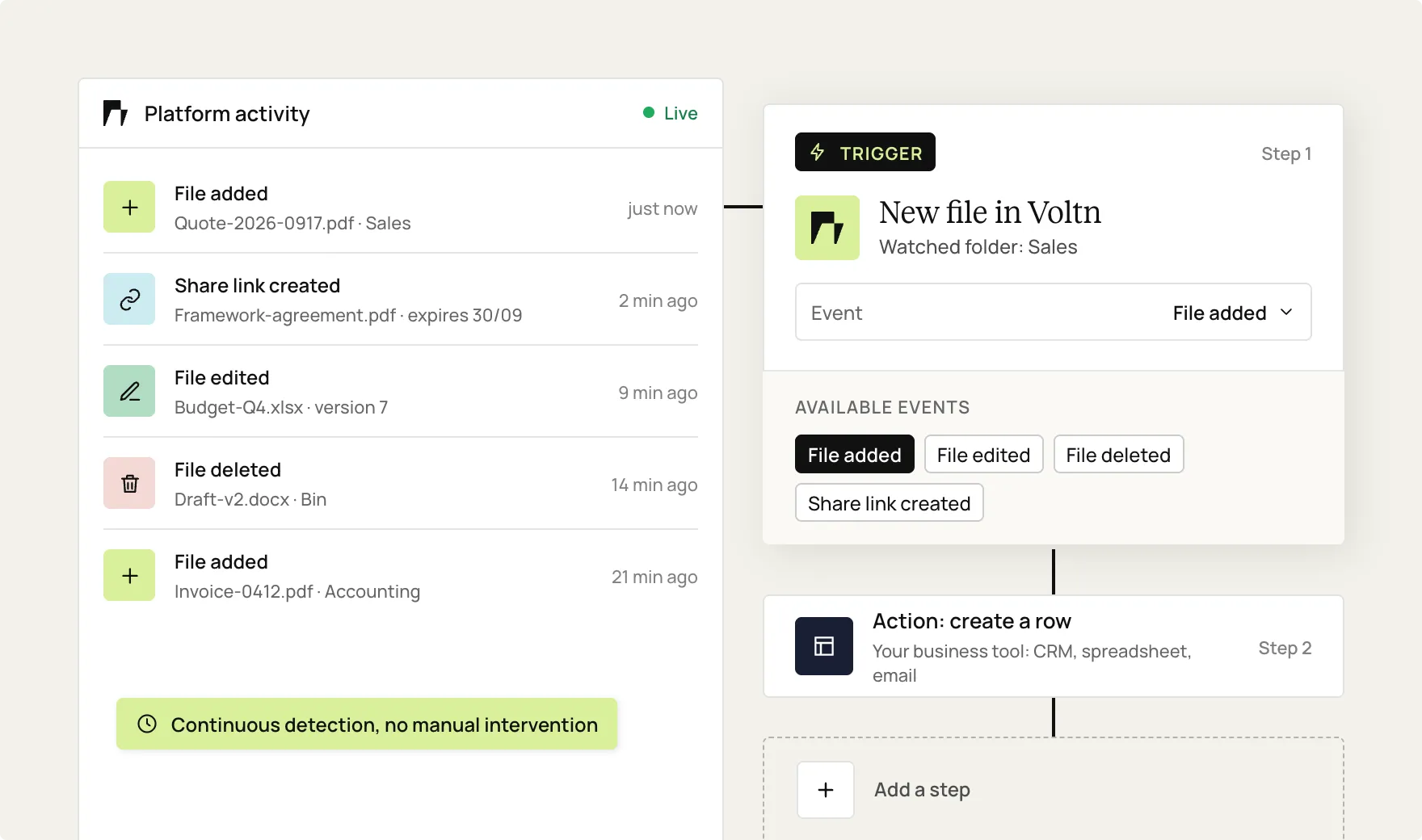
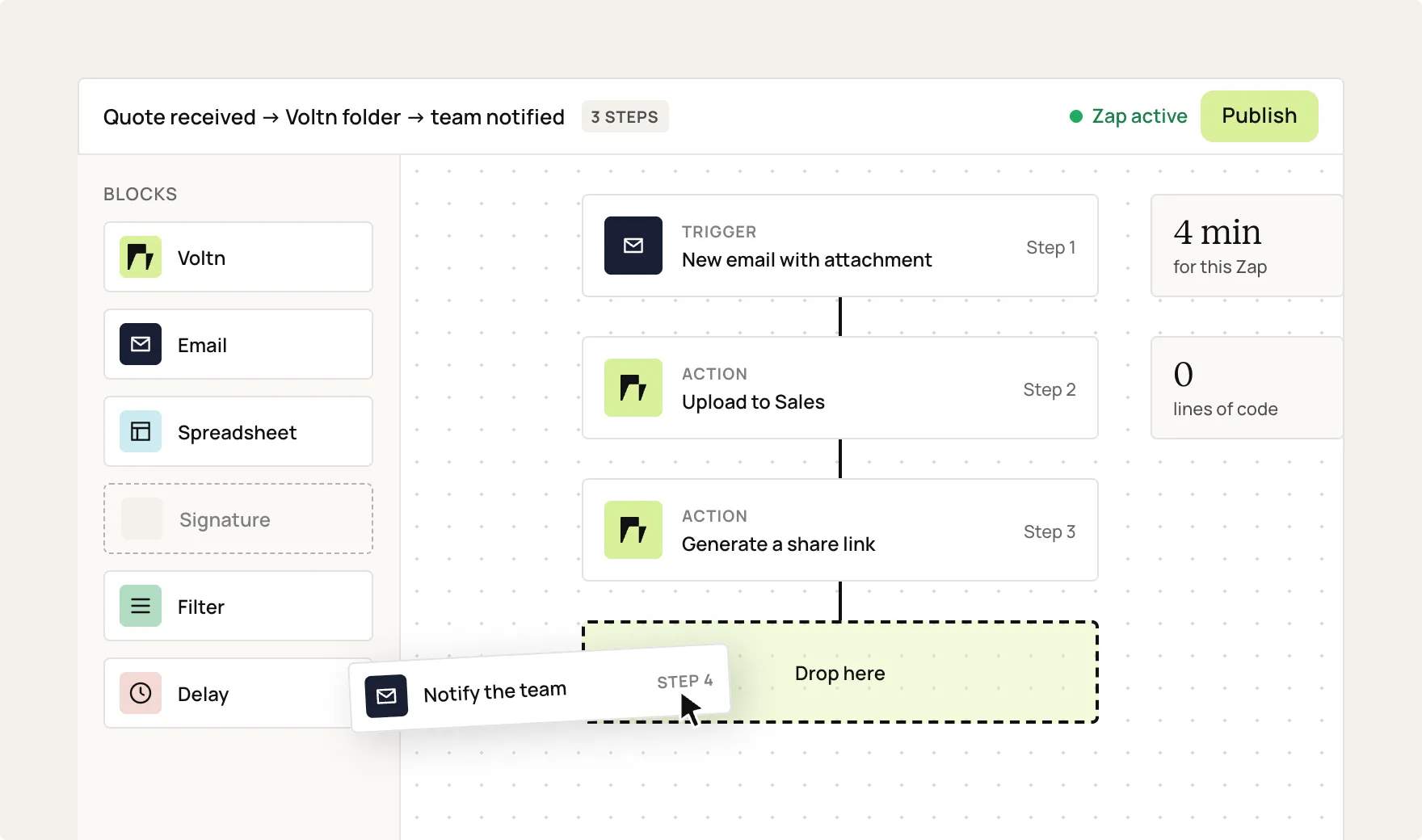
Trigger based on a Voltn event
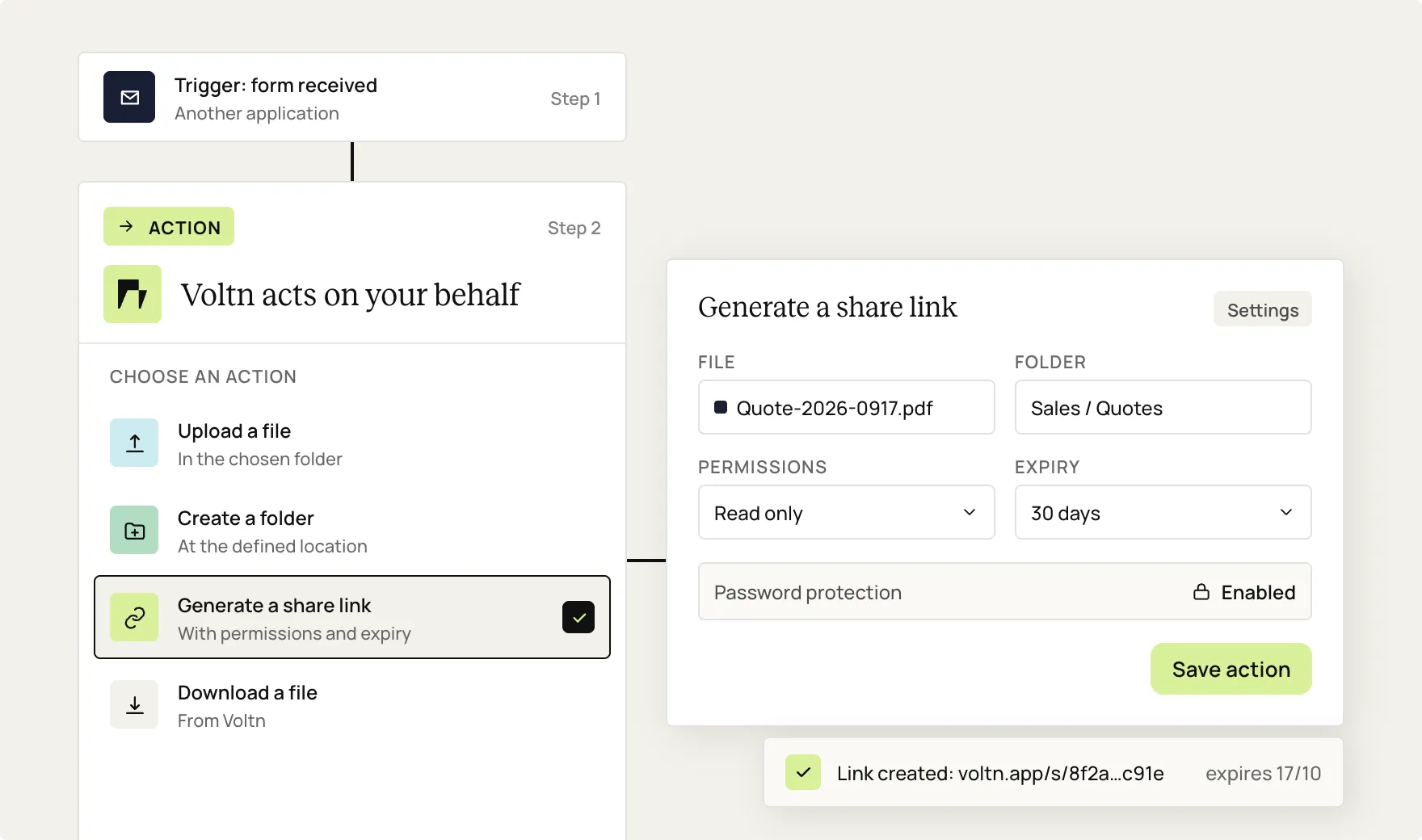
Take action on your platform
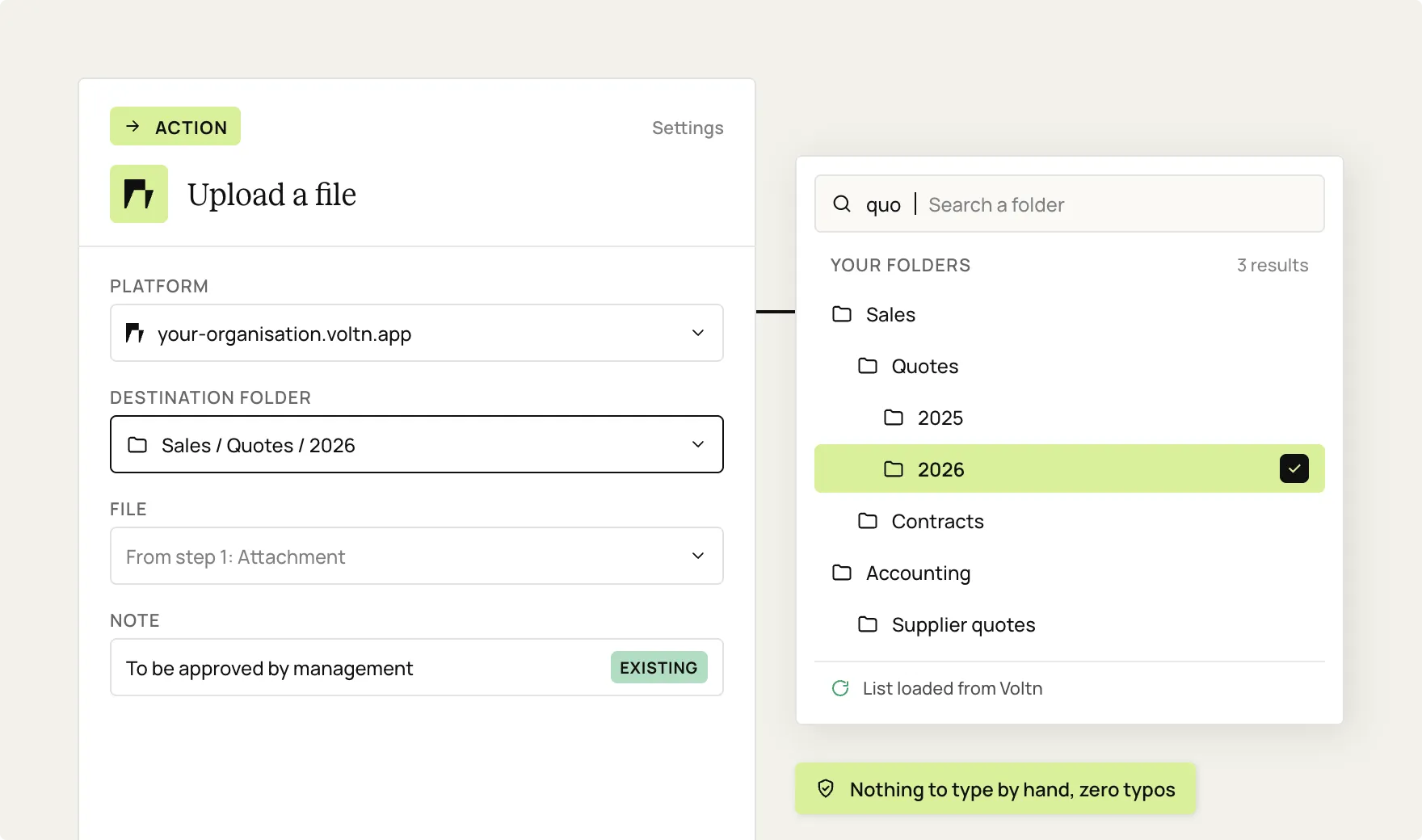
Configure in just a few clicks
Build your workflow
Key benefits
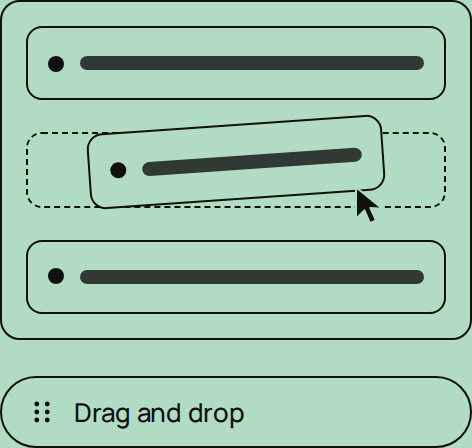
Simplicity
Drag-and-drop workflows.
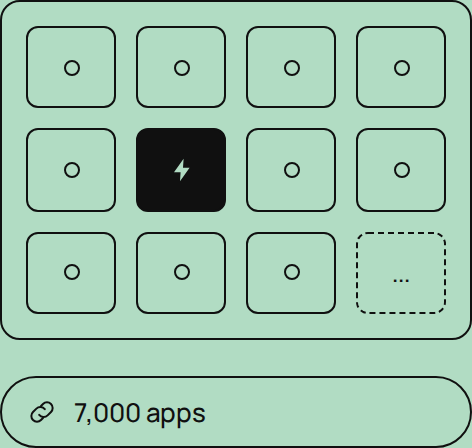
Connectivity
Over 7,000 connected applications.
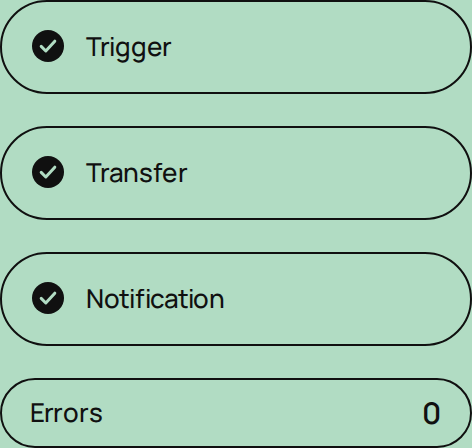
Reliability
Fewer steps, fewer errors.
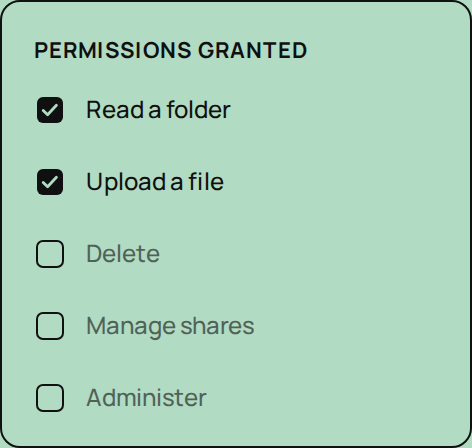
Control
Permissions limited to what is strictly necessary.
The Zapier connector: what are the use cases?


Third-party cloud synchronization
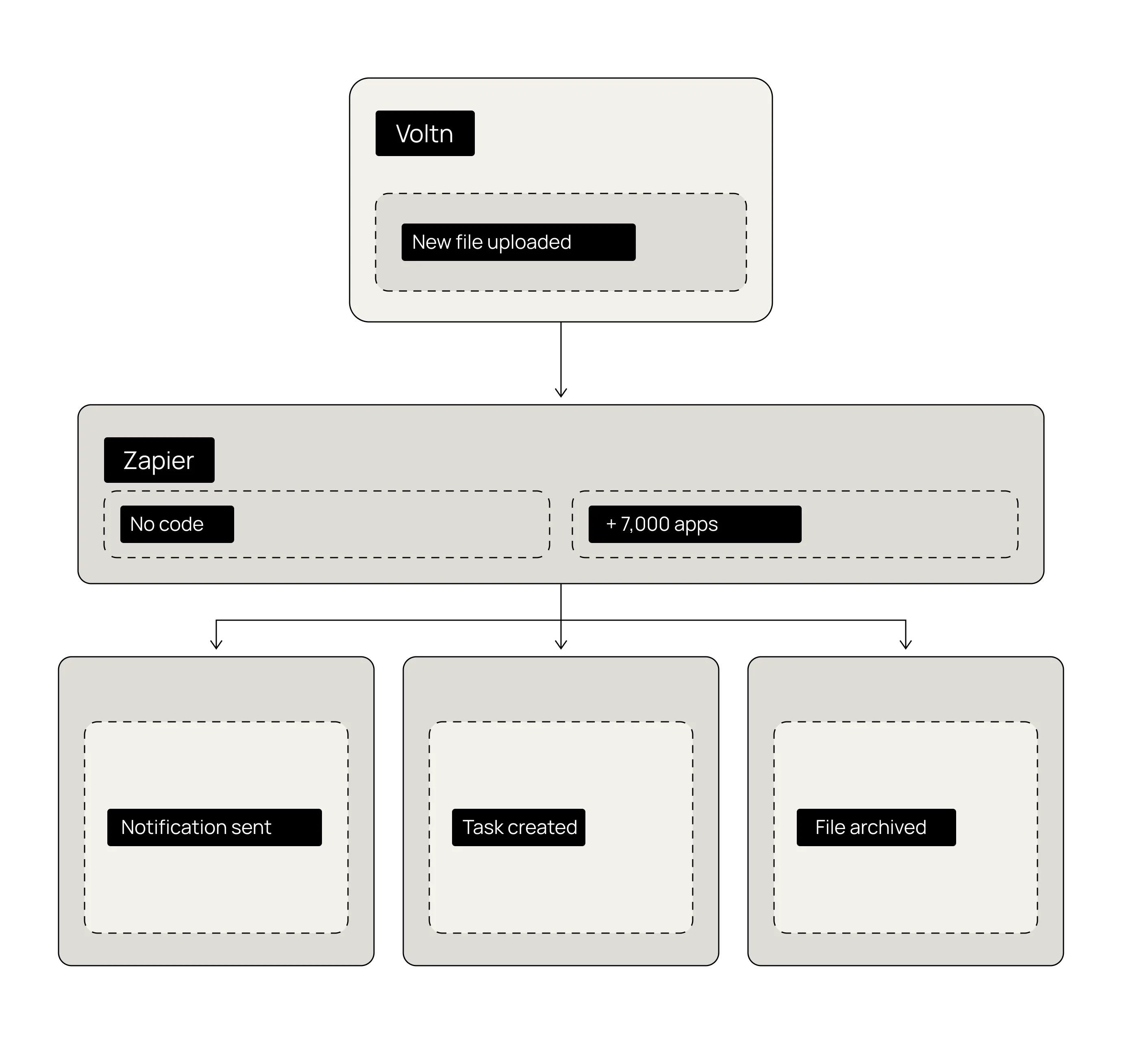
Files arriving on a Zapier-compatible third-party cloud? They are automatically saved to your Voltn platform. Information is centralized, and traceability is maintained.

Automatic notifications
A file added, a document updated: the alert is sent automatically to Slack, Google Chat, or via email, whether internally or to a client or service provider.
or not at all

Project task creation
A file uploaded to a dedicated folder generates a task in Asana, Trello, or Jira. Your sales, marketing, and support teams will never miss a thing.

Share link
Drop a document into the right folder: a secure sharing link is created with your chosen options (expiration, password, download receipt) and sent via email to the recipient.
one by one
Discover more interconnections

Google Drive

A secure, certified cloud hosted in Europe.
Voltn brings together the most rigorous industry certifications for uncompromising security in a trusted cloud.
100% controlled hosting
Voltn manages its own servers, hosted in France in Tier 3+ and Tier 4 compliant data centers. Your data never leaves French territory and remains beyond the reach of the Cloud Act.
Advanced file protection
Every file is scanned and encrypted in real time. Integrated antivirus and ransomware detection protect your data at every step.
Certifications & compliance




FAQ
How long does it take to build an automation?

A few minutes for a simple workflow, a little longer for advanced sequences. Most users get the hang of the connector on their very first try.
Can I connect Voltn to specific internal or business tools?
Yes. If your tools have a Zapier connector or a compatible API, they can be integrated into your workflows.
Does the connector work with Voltn Share and Voltn Workspace?
Yes, both work, provided that API access is enabled on your platform.
What permissions need to be granted to Voltn?
Only the permissions required for your chosen actions are used. Scopes are restricted to ensure strictly controlled access to your environment.
Are files stored or processed by Zapier?
No. The connector does not transfer the files themselves, only the information required for the workflow to function. Data processed through Zapier is then managed by Zapier in accordance with its own security framework.
Does the connector require a paid Zapier account?
Simple workflows work with the free version of Zapier, which remains limited. Depending on your task volume and the automations you need, a paid plan may be required.
Do you need technical skills to create a workflow?
No. The connector is designed for business teams: configuration is done via drag-and-drop in the Zapier interface, with no code required.

But let's be honest, our cloud-based file storage and sharing solution is much easier.