
Connect Voltn to Outlook and Teams
Voltn (formerly NetExplorer) integrates with your Microsoft environment. Your files are sent from Outlook or Teams without size limits, via secure links hosted in France.

Sharing with no size or format limits

100% French hosting
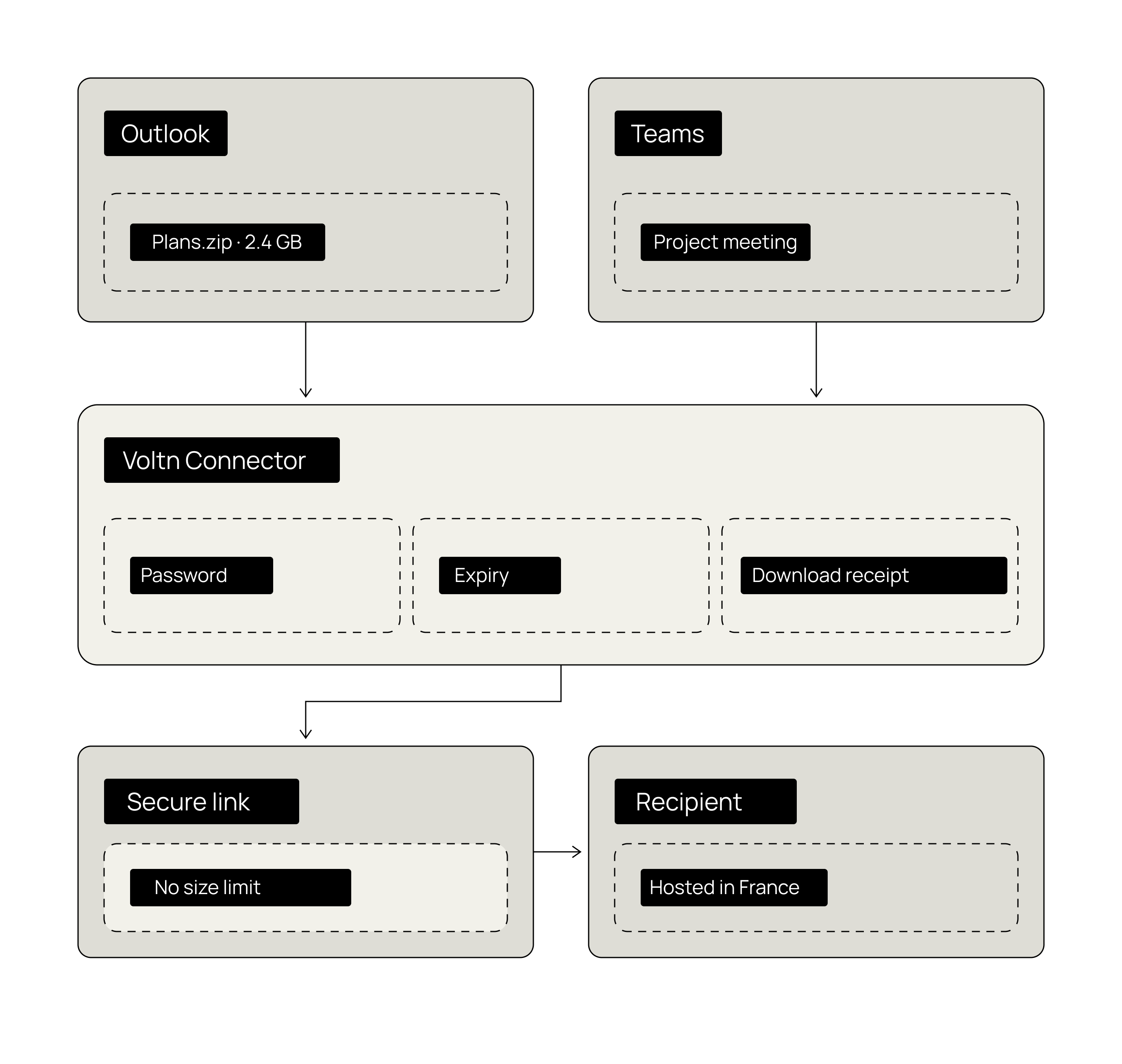
Why replace attachments with secure links?
Email remains the primary channel for file sharing in business. It is also the least equipped for it.

Outlook is capped at 20 MB
A folder of blueprints, a video, a batch of photos: the message bounces back. And work comes to a halt.

Consumer file-transfer tools take over
Faced with blocks, everyone improvises with their own tools. Your files end up on servers your IT department doesn't know about.

An attachment sent is an attachment lost
No tracking, no expiration, no way to recall. The document lives its own life once it reaches the recipient.

Inboxes saturated with duplicates
Every attachment is duplicated in every inbox. Storage bloats, and versions multiply.
The Microsoft connector promise
Send all your files from Outlook.
Expiration, password protection, download receipts
Simplify the user experience
Replace attachments with secure links.
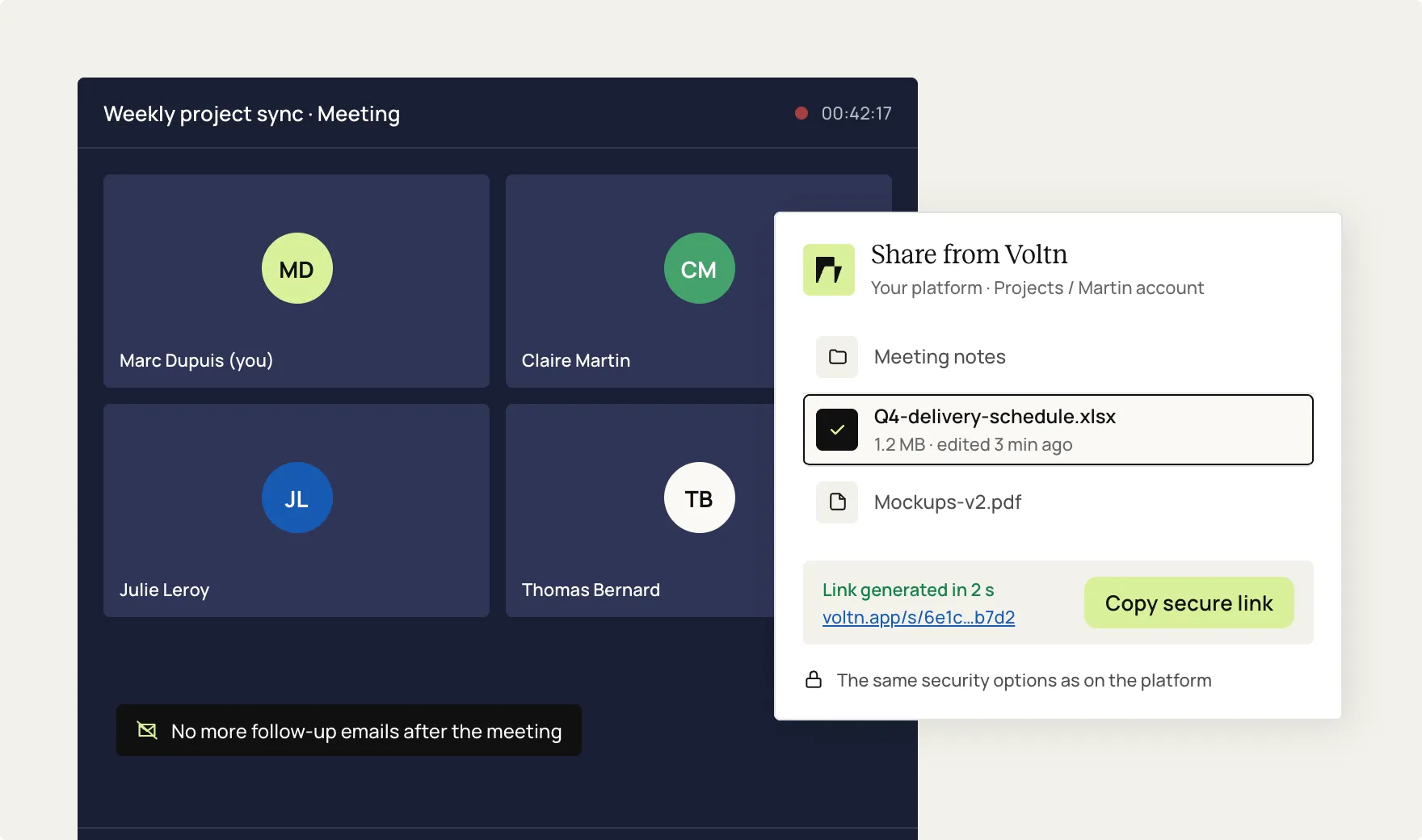
Share directly within your Teams meetings.
Maintain control after sending.
Expiration, password protection, download receipts
How does it work?
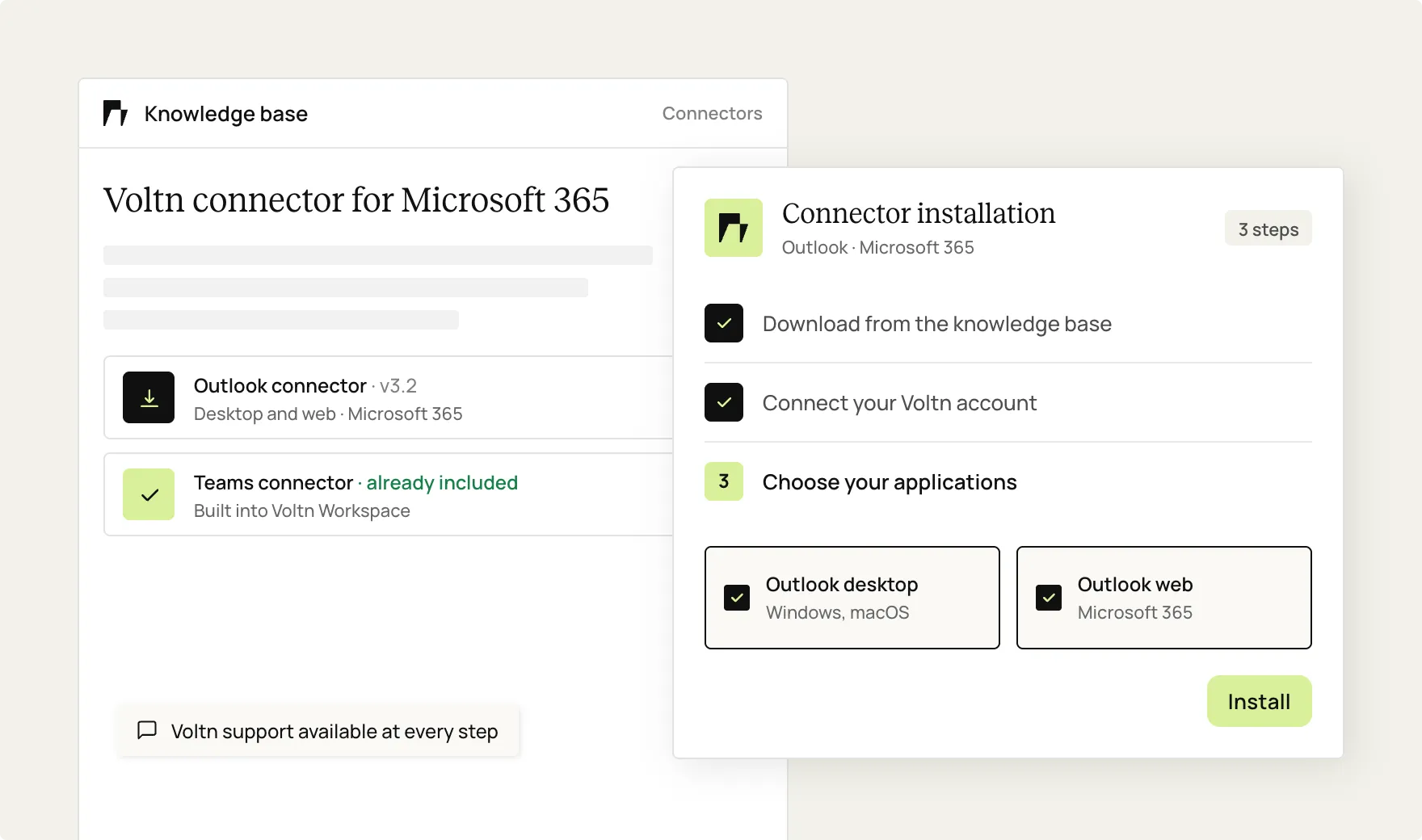
Installation
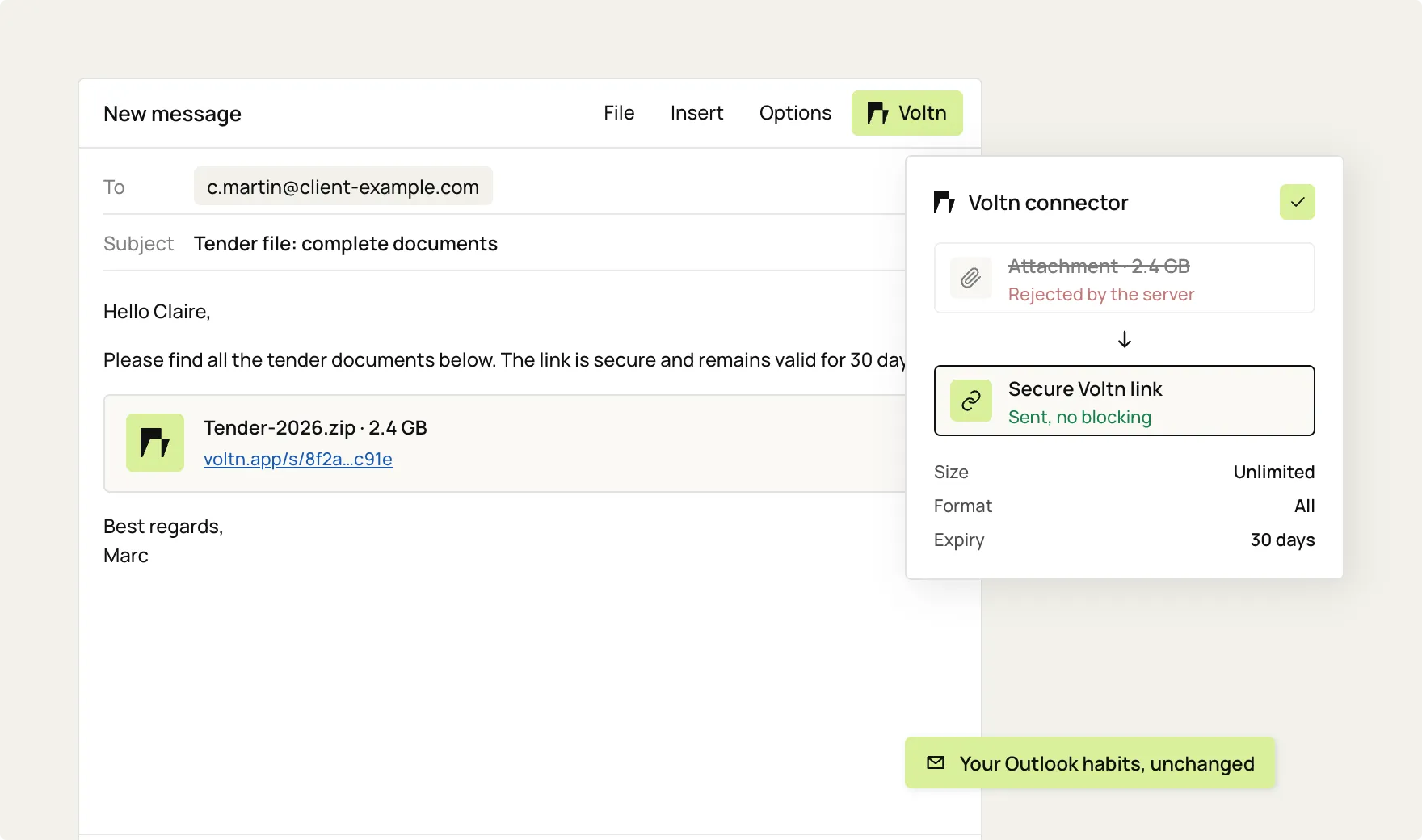
Sending from Outlook
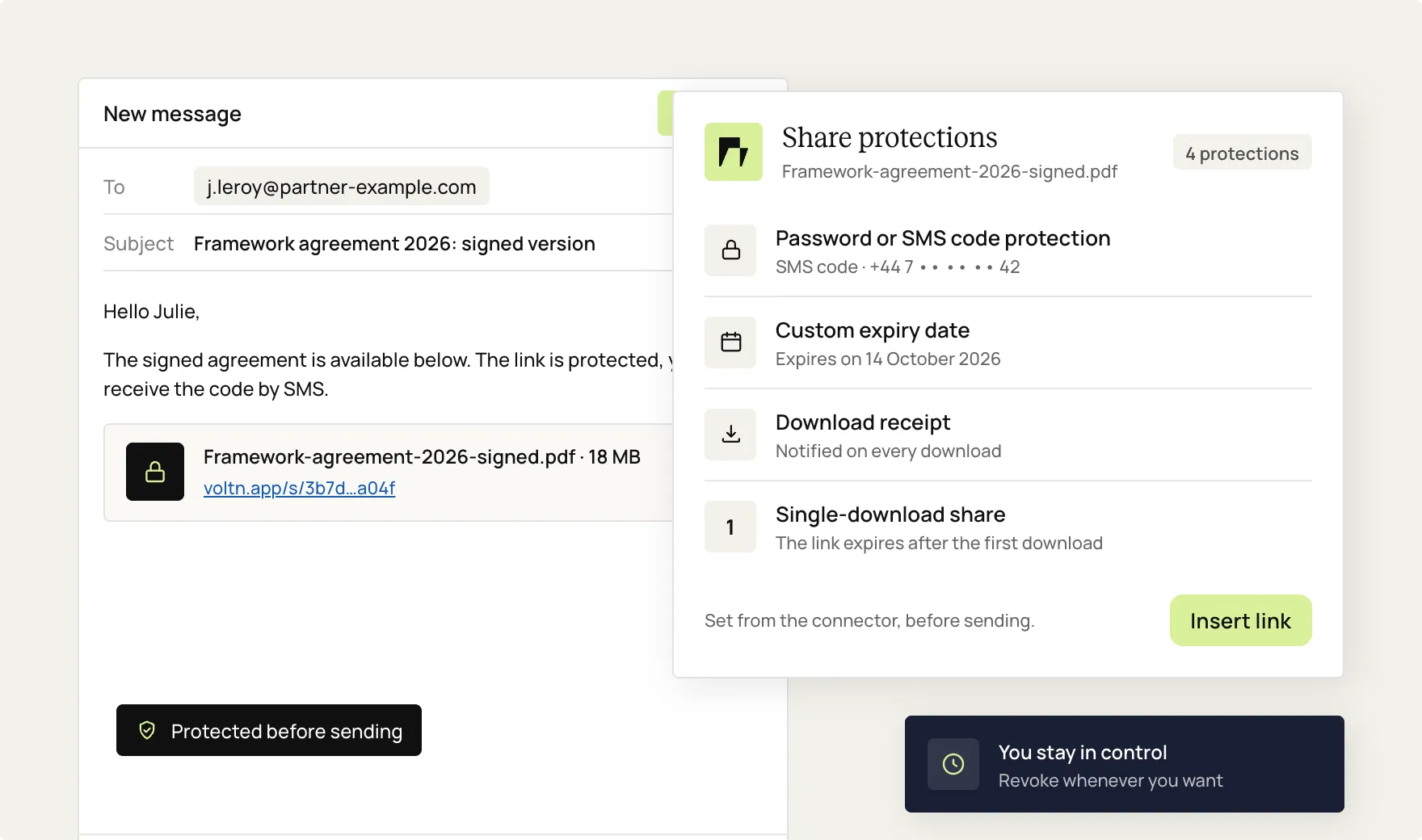
Security options
Sharing in Teams
Install the connector
Send your files from Outlook
Secure every share
Share in Teams meetings
Key benefits
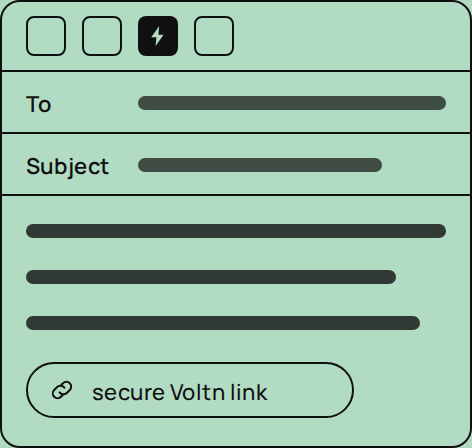
Simplicity
Your Outlook habits, unchanged.
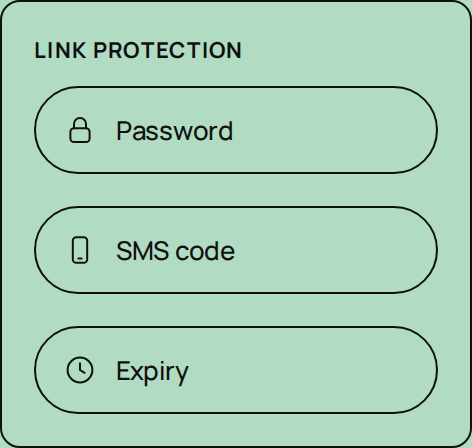
Security
Password, SMS, expiration.
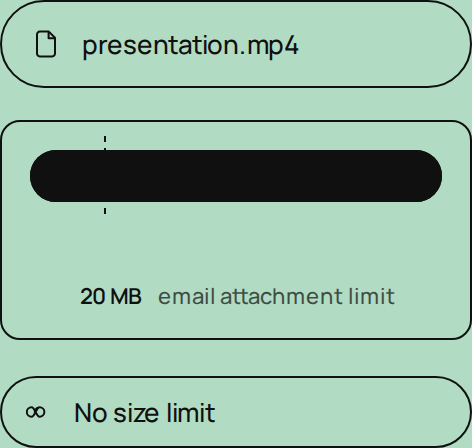
No limits
No more 20 MB limit.
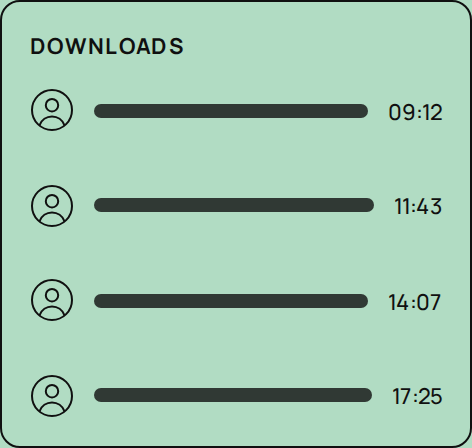
Traceability
Every download is tracked.

Sovereignty
Your files stay in France.
The Microsoft connector: what are the use cases?


Sending large files
Property photos, floor plans, administrative files: real estate agencies exchange large files all day long. With the connector, they are sent from Outlook just like any other email.
of the attachment

Organizing received attachments
Received an attachment in Outlook? Save it directly to your Voltn platform in the location of your choice. No intermediate downloads required.
and duplicated
from Outlook to Voltn

Sharing in Teams meetings
A lawyer and a notary need to exchange documents during a video conference. The sharing link is generated live from Teams, secure, with no follow-up emails required.
"after the meeting"
during the video call
Discover more interconnection

Google Drive

A secure, certified cloud hosted in Europe
Voltn brings together the most rigorous industry certifications for uncompromising security in a trusted cloud environment.
100% controlled hosting
Voltn manages its own servers, hosted in France and Luxembourg in Tier 3+ and Tier 4 compliant data centers. Your data never leaves European territory and remains beyond the reach of the Cloud Act.
Advanced file protection
Every file is scanned and encrypted in real time. Integrated antivirus and ransomware detection protect your data at every step.
Certifications & compliance





FAQ
What should I do if I encounter an installation issue?

Check your Outlook environment compatibility, consult your administrator for centralized installations, or contact Voltn support for step-by-step guidance.
Where can I download the Outlook and Teams connectors?
Both connectors are available in our knowledge base, along with their installation guides. Your administrator can also manage a centralized deployment.
Is sending files via the connector secure?
Yes. Files are hosted on our sovereign infrastructure and are encrypted both in transit and at rest. You can add a password, an SMS code, an expiration date, or a single-download limit.
How do I share a file during a Teams meeting?
The Teams connector, integrated into Voltn Workspace, generates a sharing link directly during your video call. The file is imported from your platform, so there is no need to send follow-up emails after the meeting.
Is the connector compatible with Outlook desktop and Outlook web?
Yes, it works with both. The connector integrates seamlessly with both the desktop version of Outlook and Outlook Web (Microsoft 365), so you can keep working exactly as you always have.
How to send large files via Outlook without limits?
Draft your email in Outlook and add your file using the Voltn connector: it will automatically convert into a secure download link. Your recipient can access it without any size restrictions, even for files of several gigabytes.
How to send large files via Outlook without limits?
Draft your email in Outlook and add your file using the Voltn connector: it automatically converts into a secure download link. Your recipient can access it without any size restrictions, even for files of several gigabytes.

But let's be honest, our cloud-based file storage and sharing solution is much easier.