

Quick reply
Folder structure, subfolders, naming, duplicates, archiving: a simple method to stop spending ten minutes hunting for a file.
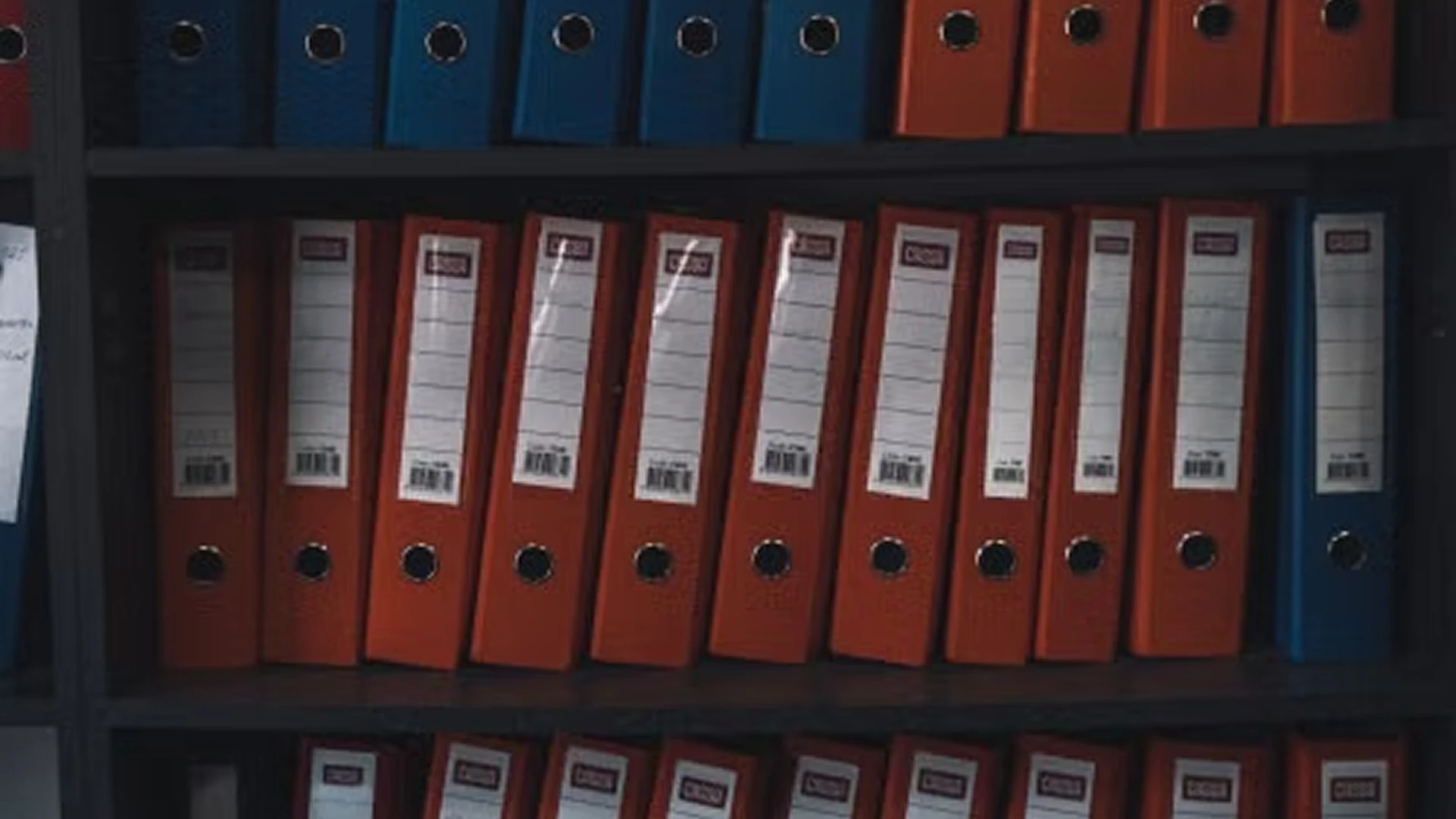


Just like the paper folders piling up on your desk, digital files accumulate on your computer. Beyond slowing the machine down, the clutter takes a real toll on your efficiency and productivity at work. To avoid getting lost in the mess, the answer is to sort, tidy and organise your digital folders and files properly. But how? Where do you start? Here is our advice.
Why tidy up the folders and files on your computer?
Organising digital files well matters as much as planning your working day. It saves you from wasting time hunting for documents in a sprawling, illogical folder tree. By filing your documents in a clear order (date, type, task and so on), you can find them again within minutes. You will be more productive and more effective at work. And by deleting duplicates and folders and files you no longer need, you free up space on your computer and improve its performance.
Create top-level folders
The first step in tidying and organising digital documents and files is to create top-level folders, which makes them quick to find later. You can structure those folders in several ways. You might, for example, file them by client or by project. Simple but effective, this method lets you quickly retrieve everything tied to a given project or client. You can also organise folders by date or by theme (marketing, finance, presentations, videos and so on). It all depends on your needs, your way of working and your day-to-day tasks.
Create subfolders
You may well end up with dozens of documents inside a single folder. Yet every file has to stay reachable and easy to find. Creating subfolders is essential to keeping things in order and finding them quickly. As with top-level folders, you can organise by date, by category (marketing, invoices, communications and so on) or by file type (Word, images, PDF and so on). Be careful, though: too many subfolders create confusion.
Name folders and documents properly
Folders and documents need clear, precise, meaningful names so they surface easily in a search. When you create an invoice, for instance, avoid vague wording such as "invoice 2021" or "client A invoice". Better to name the file "Client A invoice May 2021". Use abbreviations where you can to keep file names as short as possible, which makes them faster and clearer to read. Bear in mind, too, how your computer sorts files if you want documents to appear in a particular order. That might be alphabetical, or by date using the American convention: year – month – day. If you want undated files in a specific order, simply add a number in front of the name.
Delete duplicates
As you tidy, you will come across duplicates. It is common to save the same file several times and store it in different places. Useless as they are, these duplicates clutter both the desktop and the computer's memory. Removing them makes organising your digital documents considerably simpler.
Archive documents you no longer need
There is no need to delete documents you have finished with. Each time you complete a project, move its folder to your archive to make room for new ones. You can still open them whenever you need to. You can also store them on an external server to free up space on your computer.
Clear the desktop
Avoid cluttering your desktop with folders, documents or files you do not use daily. Ideally, keep it for priority items that need immediate action. Once those are dealt with, archive them or move them to a hard drive or an external server.
Use a collaborative platform such as NetExplorer
Using a collaborative platform is an effective way to simplify file management. An easy-to-use SaaS solution, fully controlled and built for professionals, NetExplorer lets you store files of every type (documents, videos, images and more) and any size, without limits and securely. You can connect to the platform around the clock from your computer, smartphone or tablet. The mobile app gives you access to your documents from anywhere. PowerPoint presentations can be viewed without an internet connection. You can choose your storage capacity: the subscription scales and can run to several terabytes. Your data is backed up across two data centres in France. Certified ISO 27001, HDS and PCI DSS, NetExplorer guarantees maximum protection for hosting business, banking, health and other data. Every access is controlled and secured. You reach your folder tree with your own credentials and can strengthen the security of your account and your files with two-factor authentication. You can also manage access rights folder by folder, per user or per user group. With the watermarking code, you can tell who distributed or downloaded a document. Digital watermarking also helps you recover documents in the event of data loss. It pays to tidy and file your digital documents as early as you can, so you do not get lost across the projects you are working on. Finding your files easily means you can concentrate better and spend more time on high-value work. With NetExplorer, your data is stored securely. You can sign up for a web demo to see all these features in 45 minutes and try the platform free for a month.
Other articles you might like
What is a data room?
Definition, mechanics and use cases of the virtual dataroom: mergers and acquisitions, due diligence, fundraising and sensitive audits.


But let's be honest, our cloud-based file storage and sharing solution is much easier.