

Quick reply
Physical media, cloud, NAS server: what each option costs, the risks it exposes you to, and the needs it actually answers for a company.
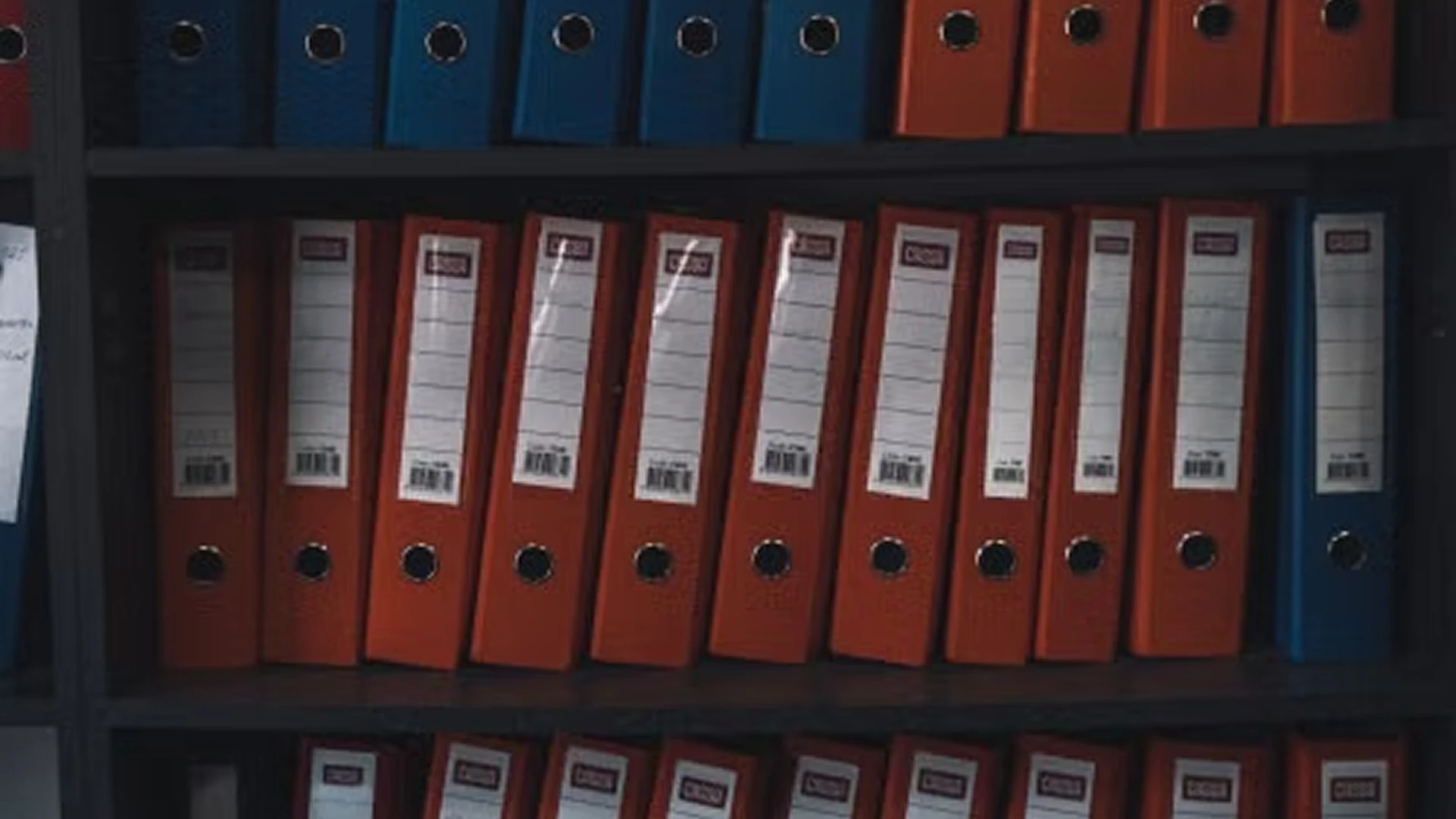


In their constant search for better performance, companies have to make the best of how they handle information and manage documents if they are to stay competitive, whatever their sector. The volume of digital data professionals have to save and manage also keeps growing. In that context, finding reliable storage suited to your needs is crucial. Which data storage options suit companies? Here they are.
Physical storage options
Physical storage media need little introduction. Classic as they are, they remain part of the everyday toolkit professionals reach for. Hard drives (internal or external), USB sticks and optical discs are already in heavy use in business. Their main advantage is that they are easy to buy and simple to use. These media, whether or not they carry flash memory, need no internet connection to work, and their capacity keeps improving.
If you want to use physical storage exclusively in your company, though, there are constraints not to be forgotten. You have to invest in buying physical servers and installing the right computing equipment. Because their lifespan is limited, you also have to replace them and back things up regularly. Spending on equipment maintenance and on training your teams is necessary too.
Larger companies may also find, with reason, that the capacity of physical media is very limited. The mass of data companies handle these days is colossal.
Finally, using physical storage media brings considerable exposure to the risk of:
- hardware failure (a power supply problem on the server, a processor failure and so on) which can render your management system inoperable,
- disasters such as fires, which can damage your media and lead to the loss of your data,
- hacking or infection of your data if malware finds its way into your systems.
For practical reasons, many companies are turning to cloud storage.

Cloud storage: more practical and more secure
Cloud storage, or online storage, is currently the most popular way of saving digital data. You can record and keep your data on shared or private servers over the internet.
If many companies, professionals and even individuals choose the cloud, it is chiefly because it considerably reduces what managing and reaching data costs. You do not have to budget for installing and maintaining heavy equipment: the external provider handles that.
On top of that, storage in a private cloud is a highly secure option. With a provider such as NetExplorer, you get a private cloud certified ISO 27001 (2013 version), ISO 9001, ISO 14001 and HDS. Another major advantage of the cloud is the all but unlimited capacity it offers. You can choose from a range of plans according to your current needs and increase your subscription as your company grows.
Documents stored in the cloud can be reached anywhere, at any time. It is therefore an answer to the growing need for mobility among professionals and their teams, which is why the cloud so often supports remote and collaborative working in companies.
Little is held against cloud storage. At first glance you may feel that the paid plan you have to subscribe to in order to use the service is not ideal. But prices are generally not high. Then there is the fact that the storage system does not belong to you, so you are outsourcing where your data is kept. The last reservation concerns how vulnerable data centres are, whether through malfunctions or through hacking.
For all of these reasons, your storage needs and your growth plans have to be taken into account when choosing a reliable specialist. To help you, our French company, an expert in managing digital data in the cloud, offers you a flexible, reliable cloud platform. With NetExplorer, you get a secure space with advanced access rights features that guarantee the confidentiality of your data.
Storage on a NAS server
Another option companies can choose for storing digital data is the NAS (Network Attached Storage) server. It stores files over a local area network (LAN). Like most servers, a NAS is made up of processors, hard drives and RAM. What sets it apart from conventional servers is its complete operating system, which manages both the storage and the sharing of the files held on it. It is therefore a storage option that lets you retrieve data from a central source. The data is, of course, reachable only by users with the necessary permissions. Among the advantages of NAS storage:
- it is easy to reach (any device can connect to it over an internet connection),
- it is flexible and scalable (there is no need to replace the server to increase capacity, you simply add hard drives),
- it performs well (suitable for storing multimedia content and big data),
- it is simple to configure (setting up and managing the system is fairly straightforward).

A NAS is therefore a storage option that answers companies' considerable need for capacity. It has characteristics of both physical storage (wired connection, on-site access) and cloud storage (network access, self-service). Its drawbacks are therefore the same as those listed for the two options above.
You will need an initial investment of some size, depending on your needs. Maintaining a NAS will be a significant cost, and managing access to the data may not be easy.
What to take away? Digital data and documents are the raw material a company needs to steer its decisions and stay competitive. Storage media therefore have to be chosen carefully, so they do not get in the way of managing and growing your business. For highly secure management of your sensitive files, do consider a private cloud. The various NetExplorer plans adapt well to your needs, occasional or permanent, for reliable and effective data storage.
Other articles you might like
What is a data room?
Definition, mechanics and use cases of the virtual dataroom: mergers and acquisitions, due diligence, fundraising and sensitive audits.




But let's be honest, our cloud-based file storage and sharing solution is much easier.