Uncontrolled external transfers
A quote as an attachment, a link open to "anyone with the link," or a client folder sent from a personal email account. Once the file leaves, no one knows where it ends up.
Exchange files externally without opening up your IT infrastructure: your teams can send, receive, and collect files from their existing storage, while IT tracks every exchange.
2,000 organizations trust us, including




30 minutes with a file-sharing expert, focused on your own external exchanges.
Your data is used solely to organize the demonstration. Fewer than 50 employees? Our online offer is available to you directly.
Because secure corporate file sharing rarely happens within the IT infrastructure: it happens in emails, open links, and unapproved tools. Three situations come up in every conversation with an IT department.
A quote as an attachment, a link open to "anyone with the link," or a client folder sent from a personal email account. Once the file leaves, no one knows where it ends up.
When an attachment is too large, your teams use whatever they can find: a free transfer service, without a corporate account or contract. It’s convenient, and it’s outside your IT infrastructure.
Who sent what to whom, and is the link still active? Without a central log, it is impossible to respond to an audit or revoke access.
Share covers all external exchanges without moving a single file. Your teams keep their habits, and you keep control.
Via email or link, with no size limits, custom access rights, and an expiration date. Large files are sent without attachments or third-party tools.
A portal for clients or suppliers: they can upload their files without needing access to your directory or consuming licenses. You will find them in the same place as your own sent files.
Share sits on top of your existing storage. Your teams share from their usual folders and files stay where they are: zero migration, and nothing is stored with us.
Each transfer shows its views, downloads, and expiration date. The IT department can find an exchange in seconds and see what is still active.
Share is not another storage system to manage. It is an exchange layer that sits on top of what you already have.
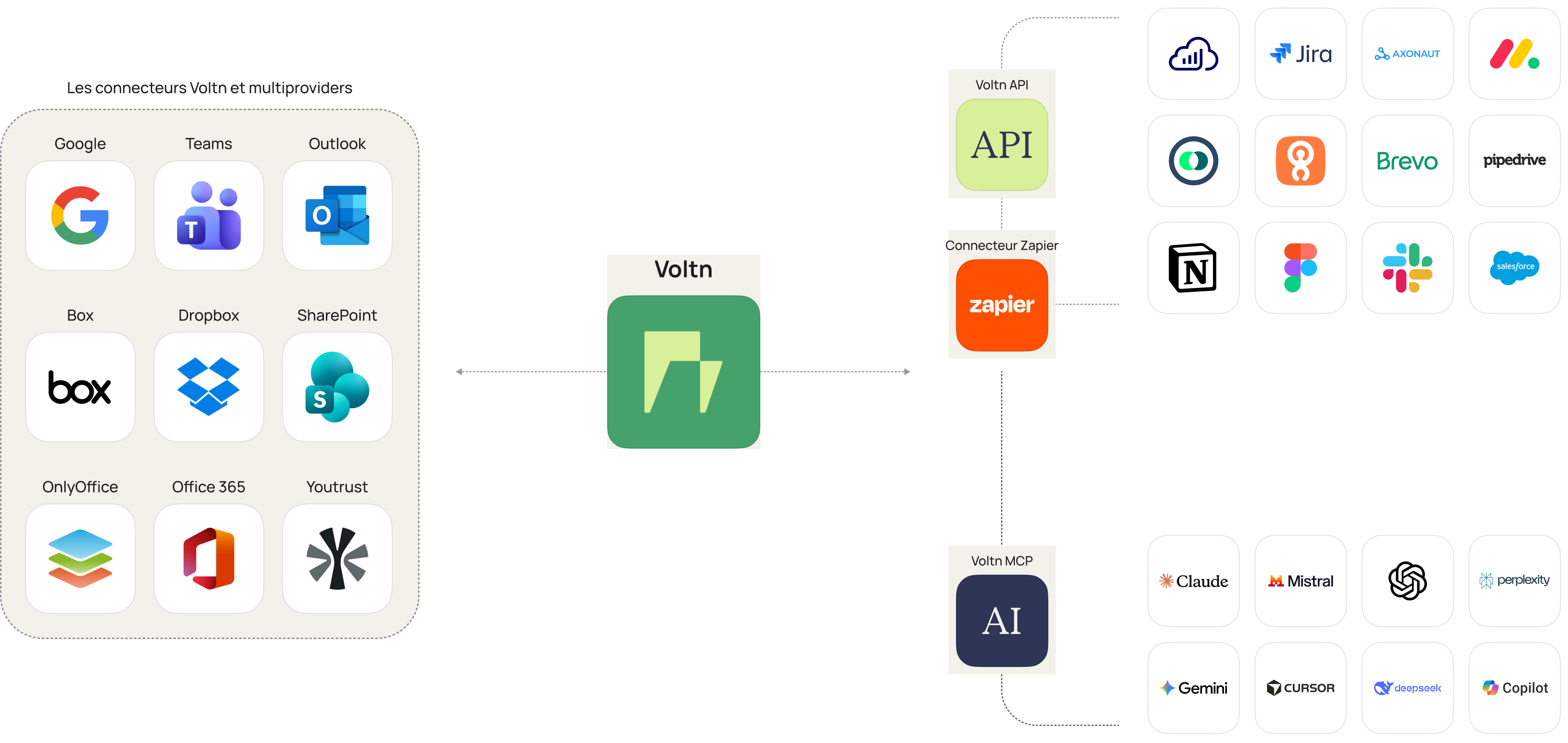
SharePoint, Google Drive, OneDrive, Box, or Dropbox: Share connects to them all. No files to move, no folder structures to recreate.
Access rights, link expiration, sharing settings: the IT department sets the framework once, and it applies to all exchanges.
They send and collect files from their usual folders. You see every exchange, and shadow IT tools are no longer necessary.
Share stores nothing: files transit through the service and are purged within 30 days at most. The service is operated in France or Luxembourg by an ISO 27001-certified, GDPR-compliant company, and its exchange logs provide the IT department with the visibility required by NIS 2.

ISO 27001

ISO 9001

Health data hosting

SecNumCloud infrastructure

Pricing depends on the number of users and the options you choose. Prices are published on our pricing page. For fewer than 50 employees, the online plan can be activated directly.
With no migration project: connection to your storage and your directory, rules set with your IT team, then rollout to your teams. Unlike a consumer file transfer tool, everything goes through your company accounts.
IT sets the rules for exchanges (access rights, expiry, sharing settings) and sees everything going out and coming in: who sent what, how many views, how many downloads. Secure document sharing becomes the rule, not the exception.
With you, in your own storage. Share keeps nothing: it is an exchange layer, not a storage space. The service itself is operated in France or Luxembourg.
No. Share sits on top of your existing storage, SharePoint or Google Drive. There is no file sharing server to set up and no data to move: files stay where your teams already keep them.

30 minutes with a file management expert to discuss your use cases. No free trial to set up, no strings attached.